
Tab 6 of 6
Calendar
From the built-in tour
- Plan outfits onto days aheadLook back at what you actually woreDrag a look to another day to move it
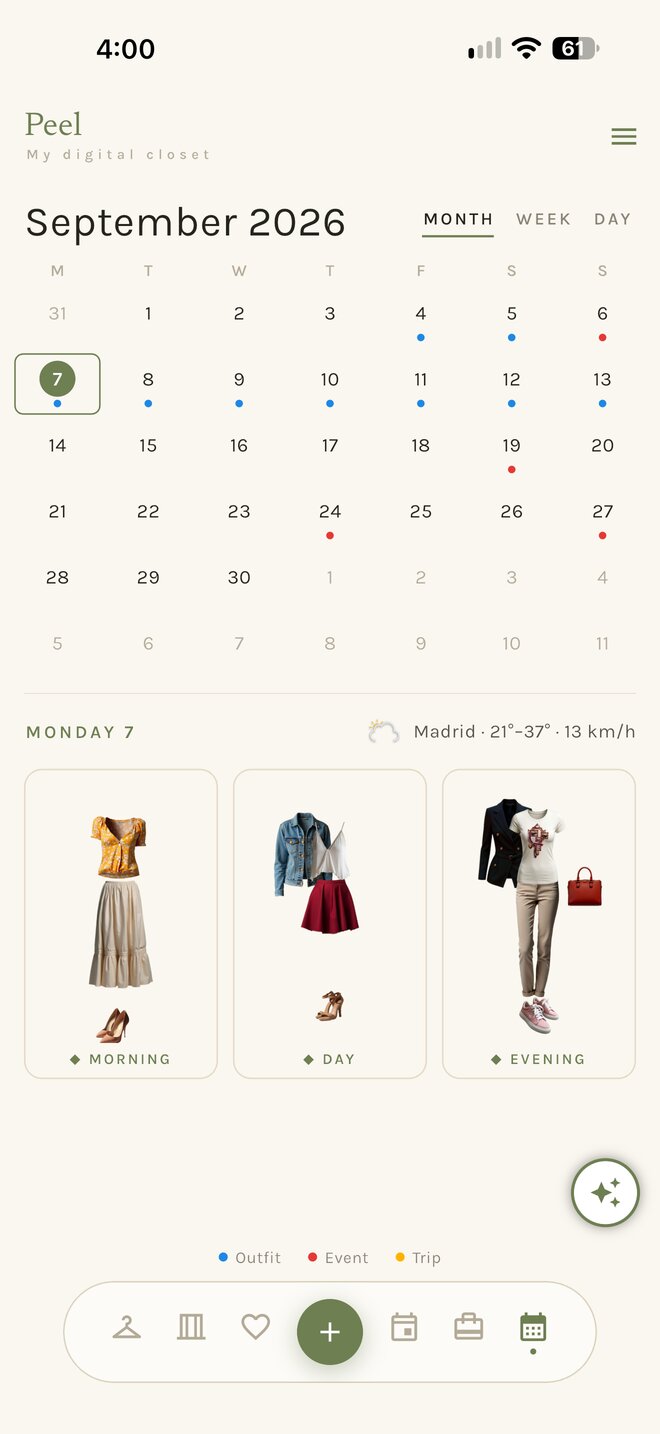
What it does
Calendar, section by section.
Plan outfits onto days ahead
Tap a day, choose a look, done. The month shows every planned day at a glance, with the weather for the days the forecast covers.
A week at a glance
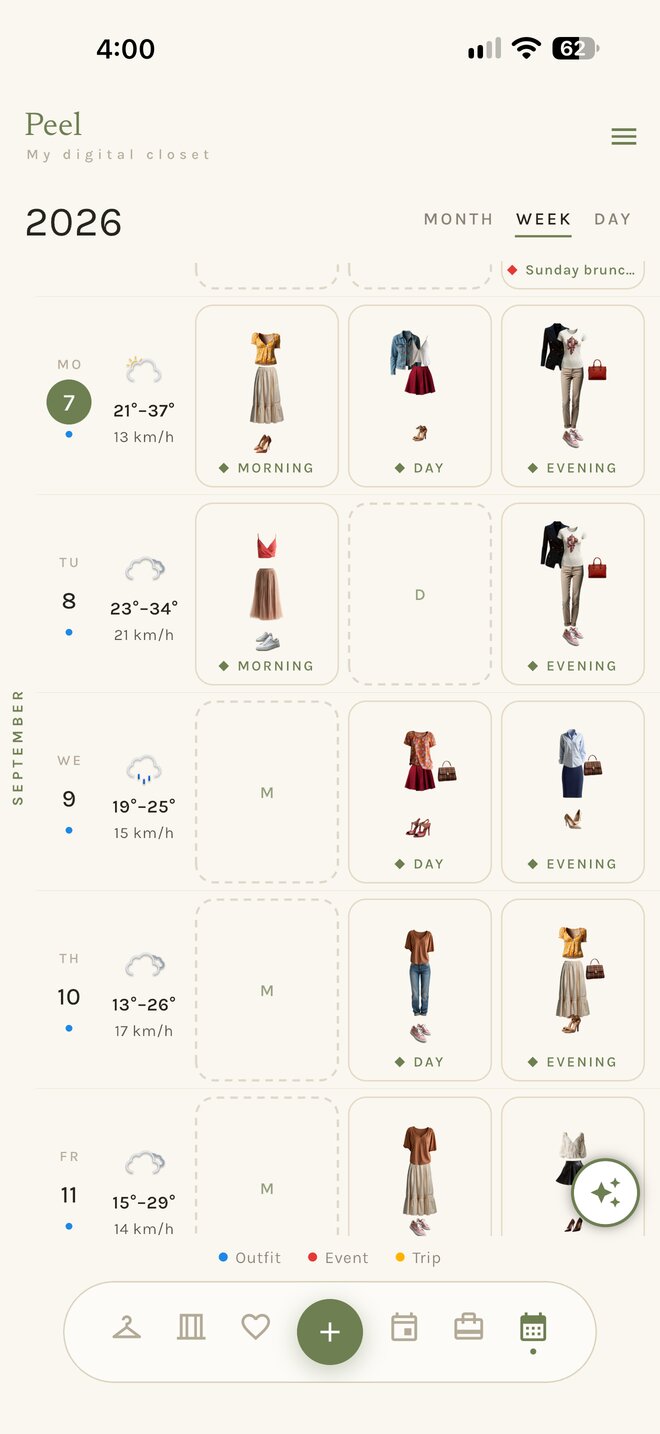
The week view lines up seven days with their looks and their forecast, so the whole week reads in one screen.
Look back at what you actually wore
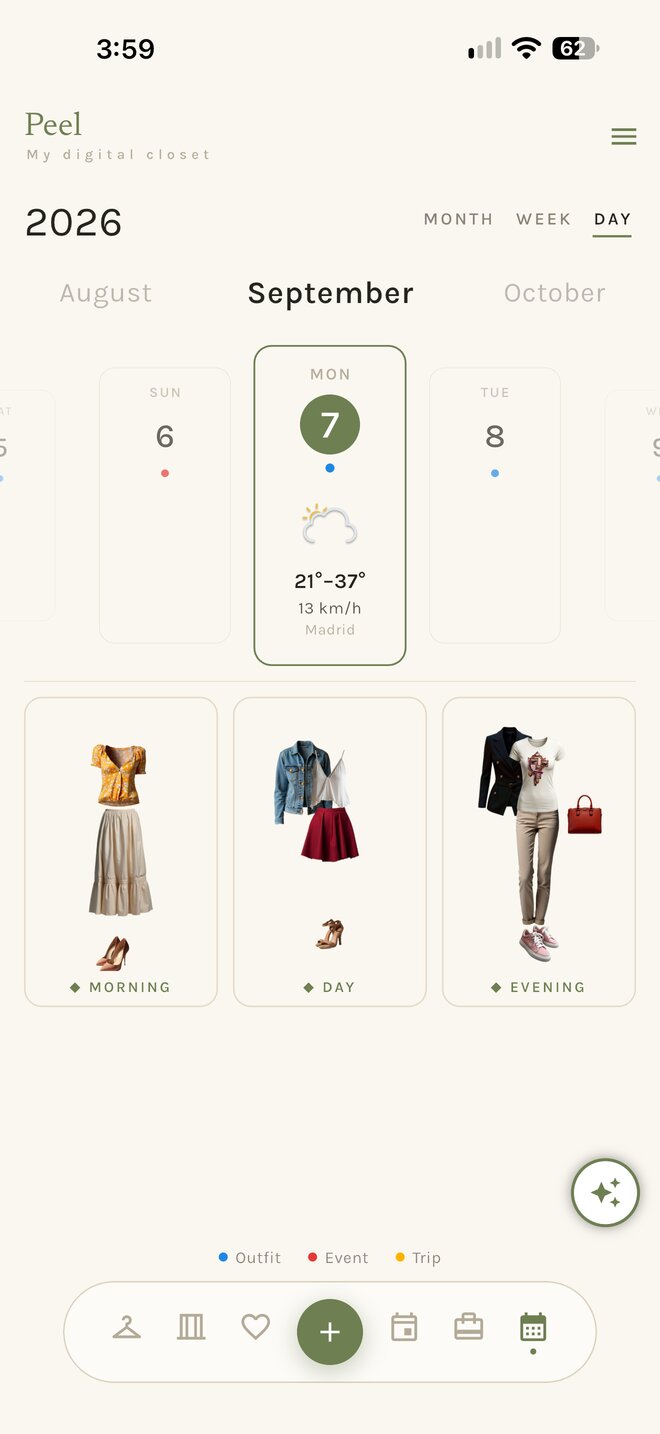
A day keeps morning, day and evening. What you planned becomes what you wore, and the wear count on every piece grows from here.
Drag a look to another day to move it
Plans change. Pick a look up and drop it on a different day; nothing else moves.
The + button adds for the tab you are in. On the Calendar, tap a day to plan a look for it.
Seven themes
Calendar, in your theme.
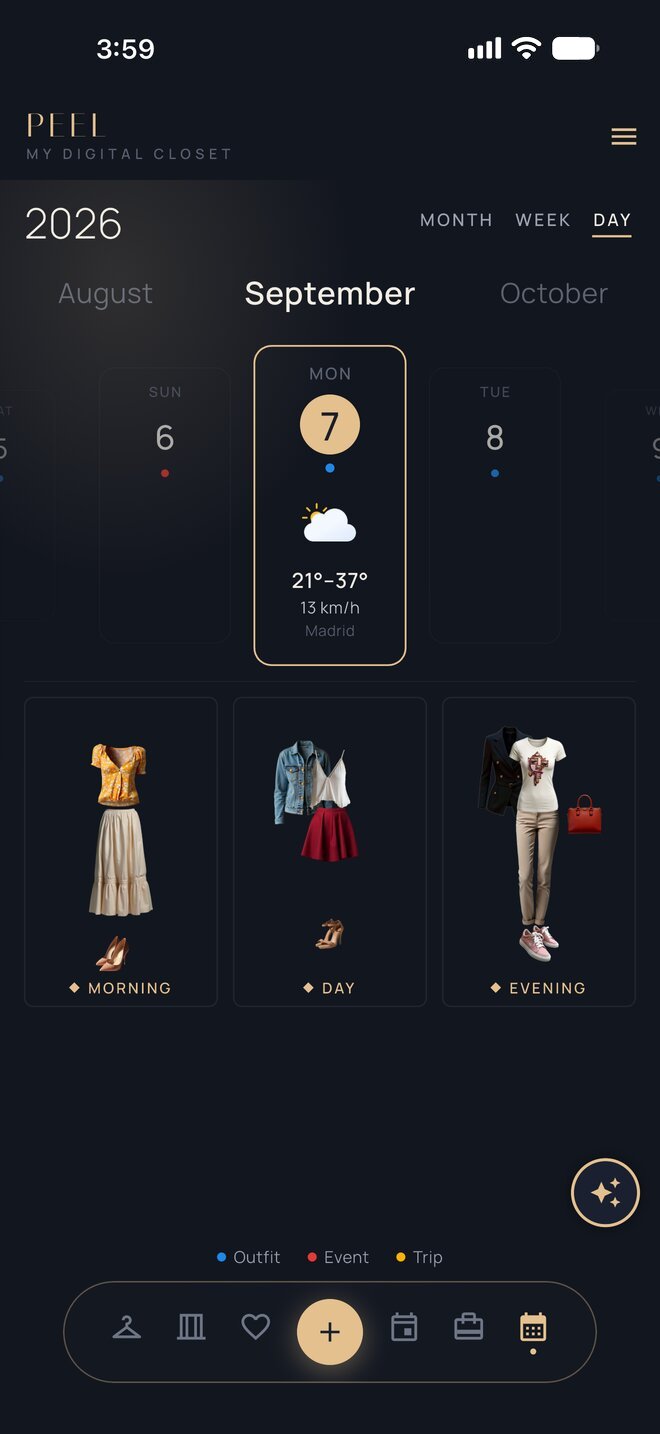
Pick a theme and the screens below change with it. Showing Penthouse.
Day 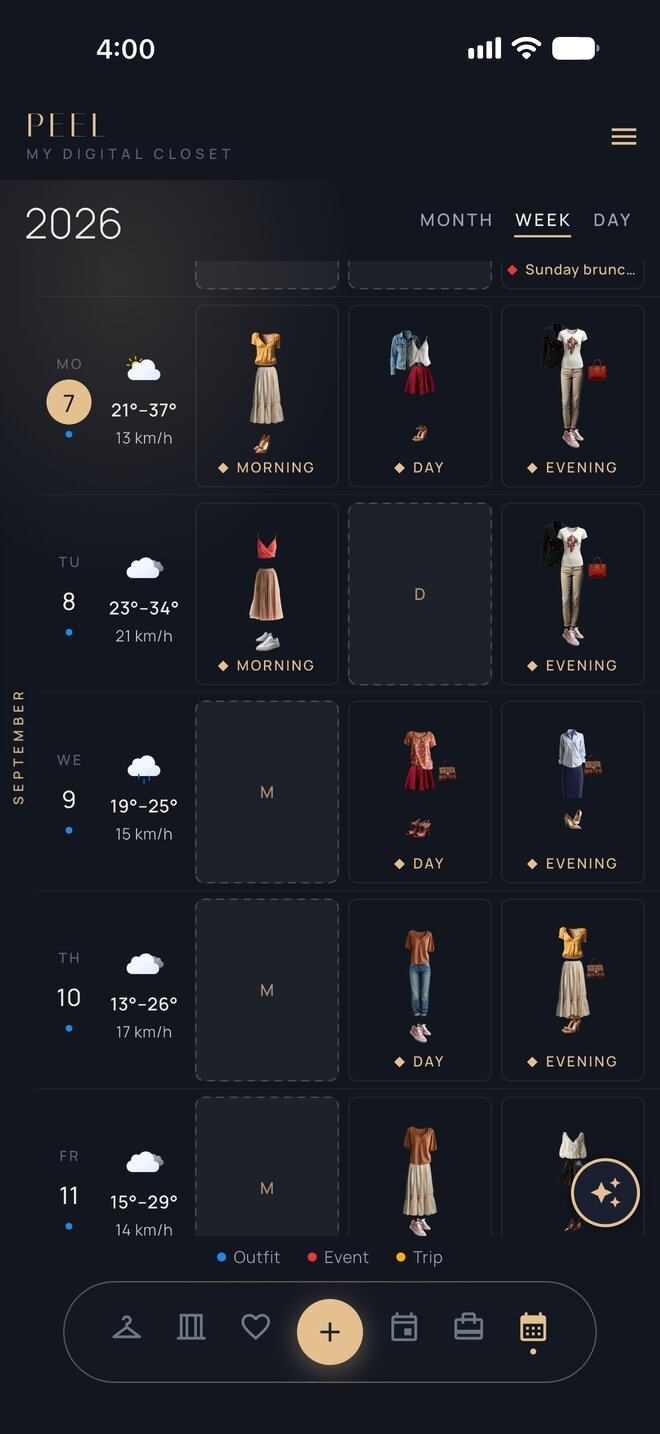
Week 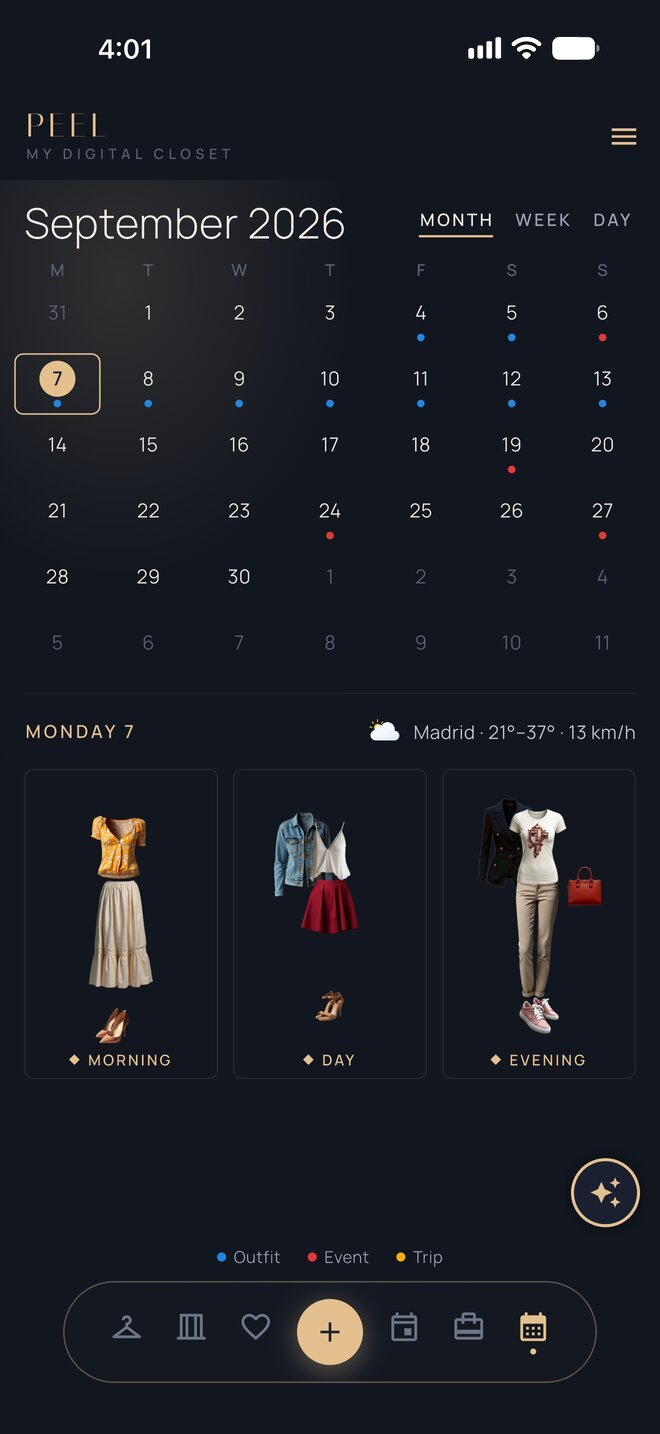
Month